Students bring real work to Gausyn: worksheets, photos of homework, drafts of essays. A family should be able to know what happens to those pages, so here it is plainly. There are three ways to bring work in, and each is handled differently on purpose.
On the whiteboard, during a lesson
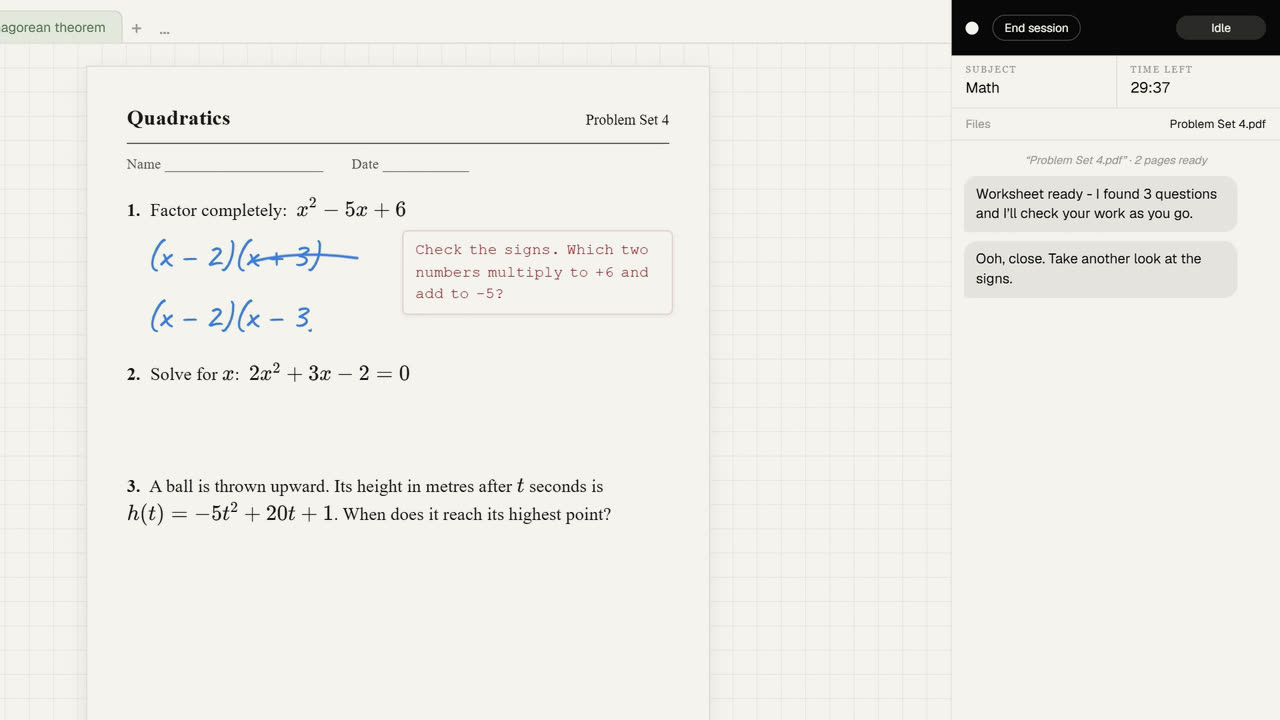
The worksheet or photo is shown on the board. When Gausyn answers, a picture of the visible board, with the pages on it, is sent so that Gausyn can see the work. The pages are saved with the board in your browser, not on our servers.
Attached ahead of a lesson
If you attach a file before a lesson, from the daily check-in for example, it is read once to write a short summary of the topic and the kind of problems, so Gausyn knows roughly what is coming. The summary is kept. The file itself is not, which is why Gausyn asks for the sheet again when the lesson starts.
Uploaded to a Project
Projects are long pieces of work, so a file uploaded to one is stored in your account for you to keep working with, until you delete it or the project.
The full details are on our Student Data and Privacy pages, written for parents, guardians and schools as much as for students.