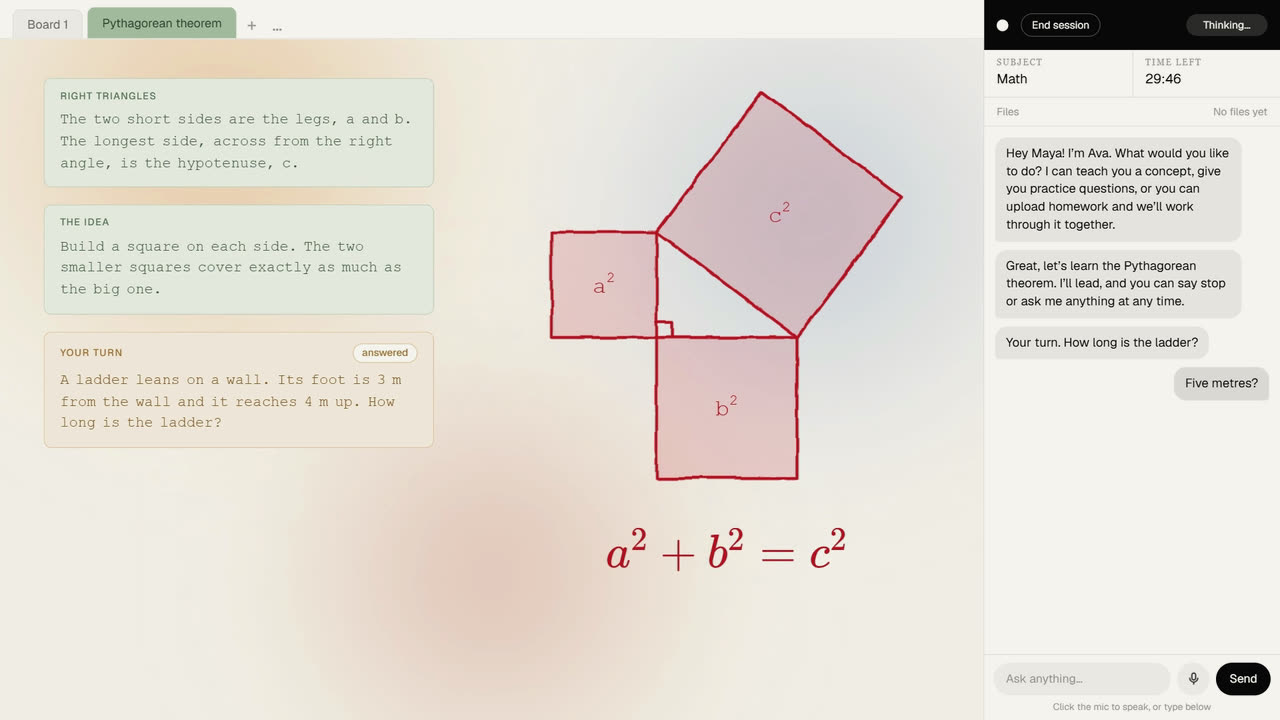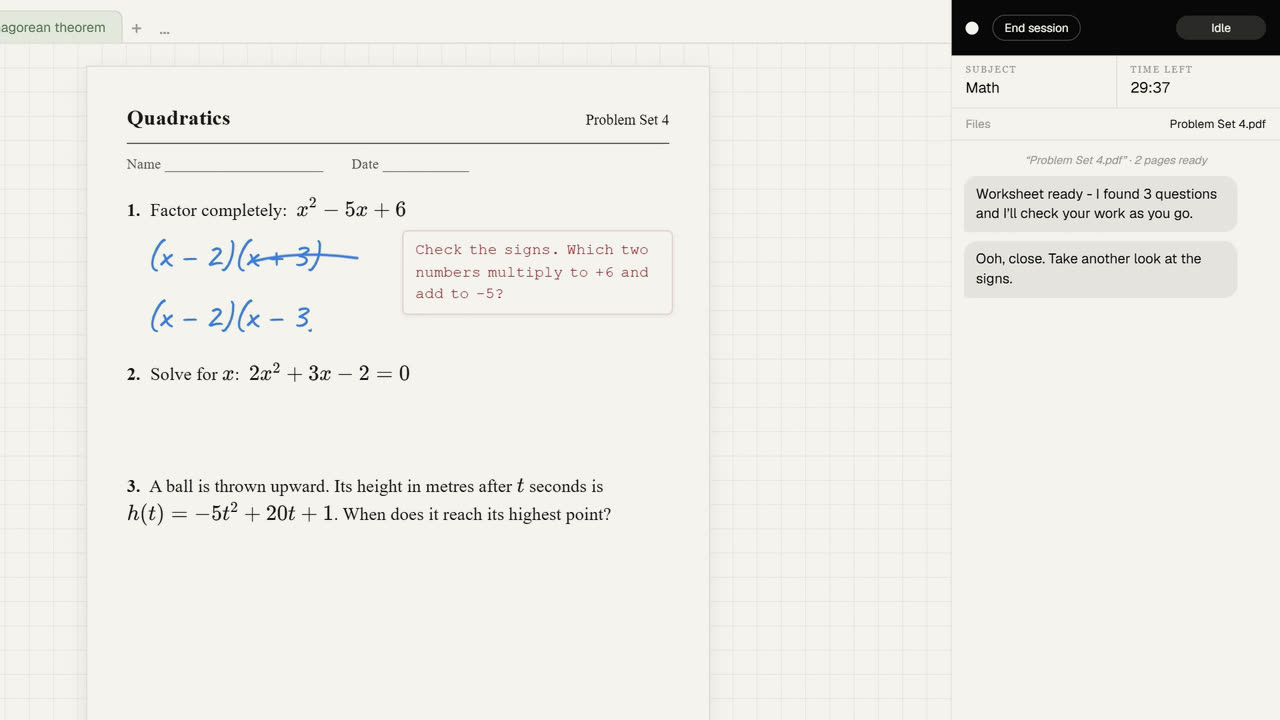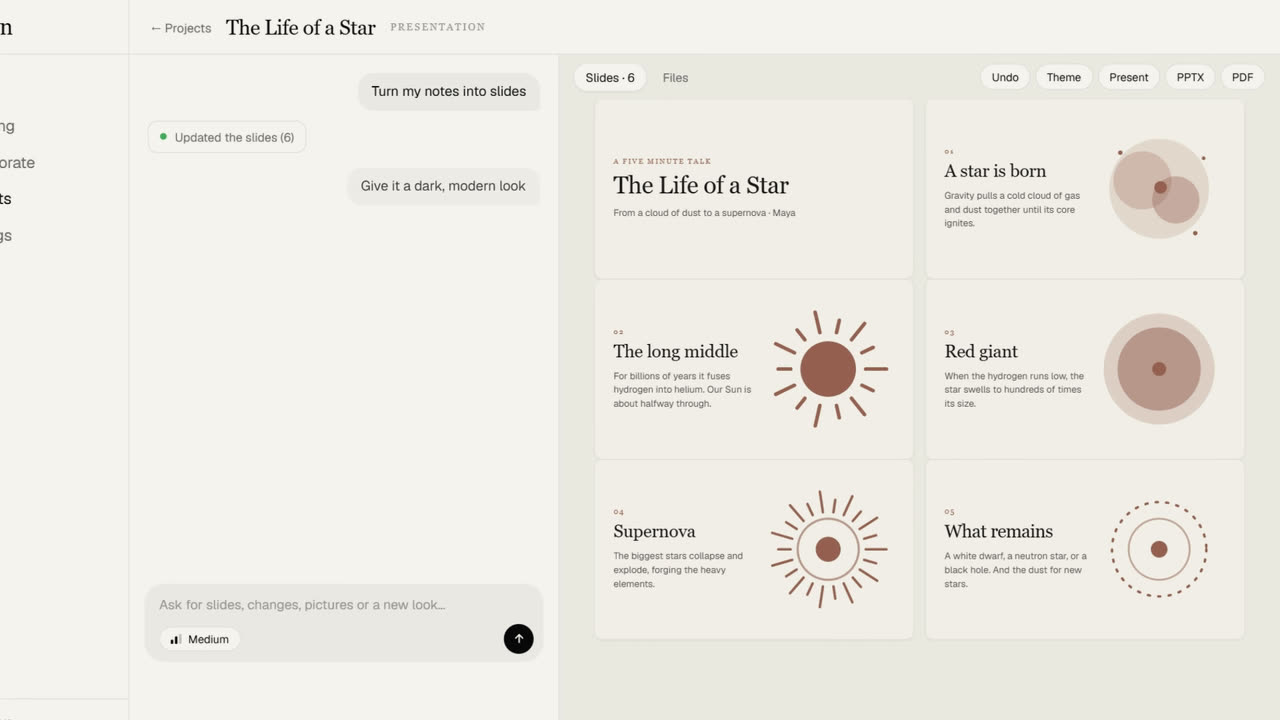
Long pieces of work do not fit in a chat. A good essay needs to be seen whole, a deck needs to look like a deck, and a game needs to run. Projects puts the conversation on the left and the actual work on the right, written live as you watch.
Real slides, real files
Ask for a presentation and you get real slides, with ten themes to choose from, pictures drawn for the work, and a Present mode. When you are done, export to PowerPoint, Word, or PDF.
Ask for an app or a game, 2D or 3D, and its files appear as they are written. Then play it right in the Preview. If something breaks, one button sends the error back to be fixed.
Things you can hold
Engineering and hobby projects can design real parts in 3D. Turn the model, check its size in millimetres, drag its measurements to try a new size, and download an STL for a 3D printer.
Your choice how hard it works
An Effort switch lets you decide: Low for quick changes, Medium for most work, and High for big builds and tricky bugs. A new project no longer needs a name, because you usually do not know what it is called yet, and Undo now works for drafts as well as code.